What Do I Need for an Online Notary Appointment?
Updated 2026-09-19
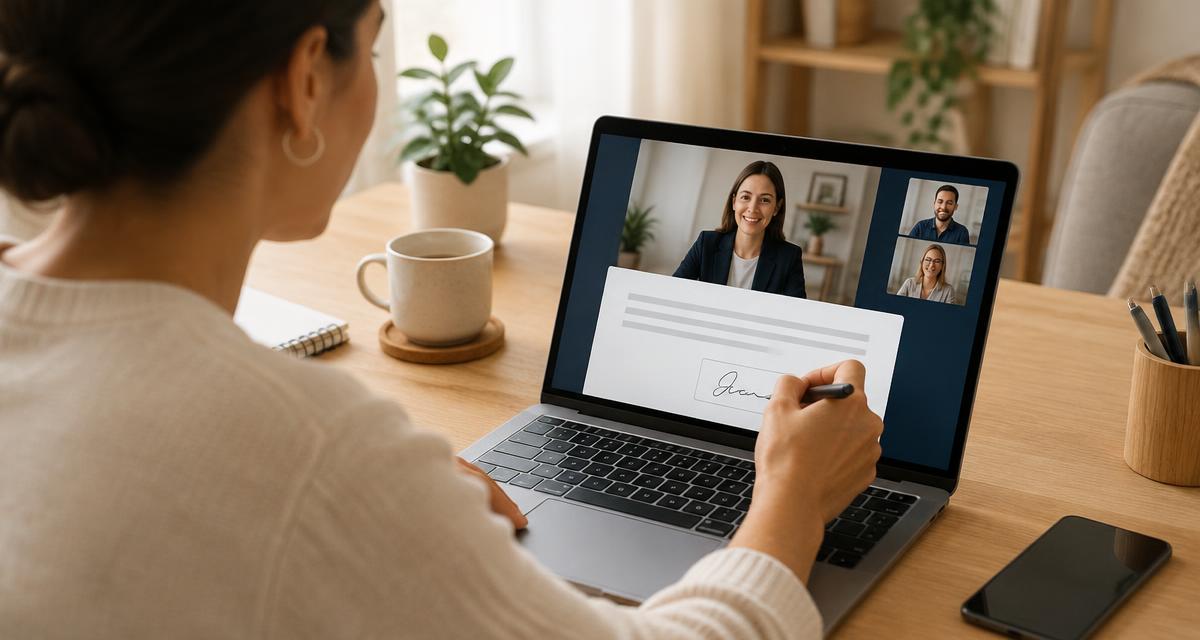
You need a device with a working camera and microphone, a stable internet connection, current government-issued photo identification, your document as a PDF with every field completed except the signatures, and a quiet, well-lit place to sit. Everyone who must sign needs their own identification and their own verification.
The checklist
- Laptop, tablet or smartphone with a camera and microphone
- Reliable internet — a wired or strong wifi connection beats mobile data
- Current government-issued photo identification, physically in hand
- The document as a PDF, complete except for signatures
- Good lighting on your face and on your identification
- A quiet room where you can speak without interruption
Have your identification physically with you
You will be asked to photograph the front and back during credential analysis. A photocopy, a screenshot or a photo already stored on your phone will not pass.
Expect identity questions
Knowledge-based authentication asks a short set of multiple-choice questions about your history — previous addresses, lenders, vehicles. There is a time limit and a limited number of attempts, so sit down ready rather than answering while walking.
Common causes of failed sessions
- A weak connection that drops the video
- Expired identification
- A document with blank fields
- A second signer who is not available at the same time
- Glare or poor lighting that prevents credential analysis
Frequently asked questions
- Can I use a phone?
- Yes, most platforms support smartphones. A larger screen makes reviewing the document easier.
- Can I do it from work?
- Corporate networks sometimes block video platforms. Test the link beforehand or use a personal connection.
- What if another signer is in a different city?
- That is fine on most platforms — each signer joins the same session from wherever they are and verifies separately.
Search the notary directory
Enter your ZIP code or city to see notaries who serve your area.
Related guides
How Does Online Notarization Work?
A step-by-step walkthrough of an online notarization appointment, from uploading your document to receiving the notarized file.
Read guideHow Do Online Notaries Verify Your Identity?
Knowledge-based authentication, credential analysis and biometric checks explained, plus what to do if verification fails.
Read guideWhat Is Remote Online Notarization?
Remote online notarization explained: how a notary meets you by live video, how identity is checked, and when it can be used.
Read guideCan I Use an Online Notary While Traveling?
How to handle notarization while away from home, what to prepare before you leave, and the connection pitfalls to avoid.
Read guideNotarization requirements vary by state and document type. A notary public generally cannot give legal advice, choose a document for you, draft a document unless separately authorized, tell you how to complete a form, or explain the legal effect of signing. If you are unsure whether your document needs notarization or which notarial act is required, ask the agency or person receiving the document, or consult a qualified legal professional.